
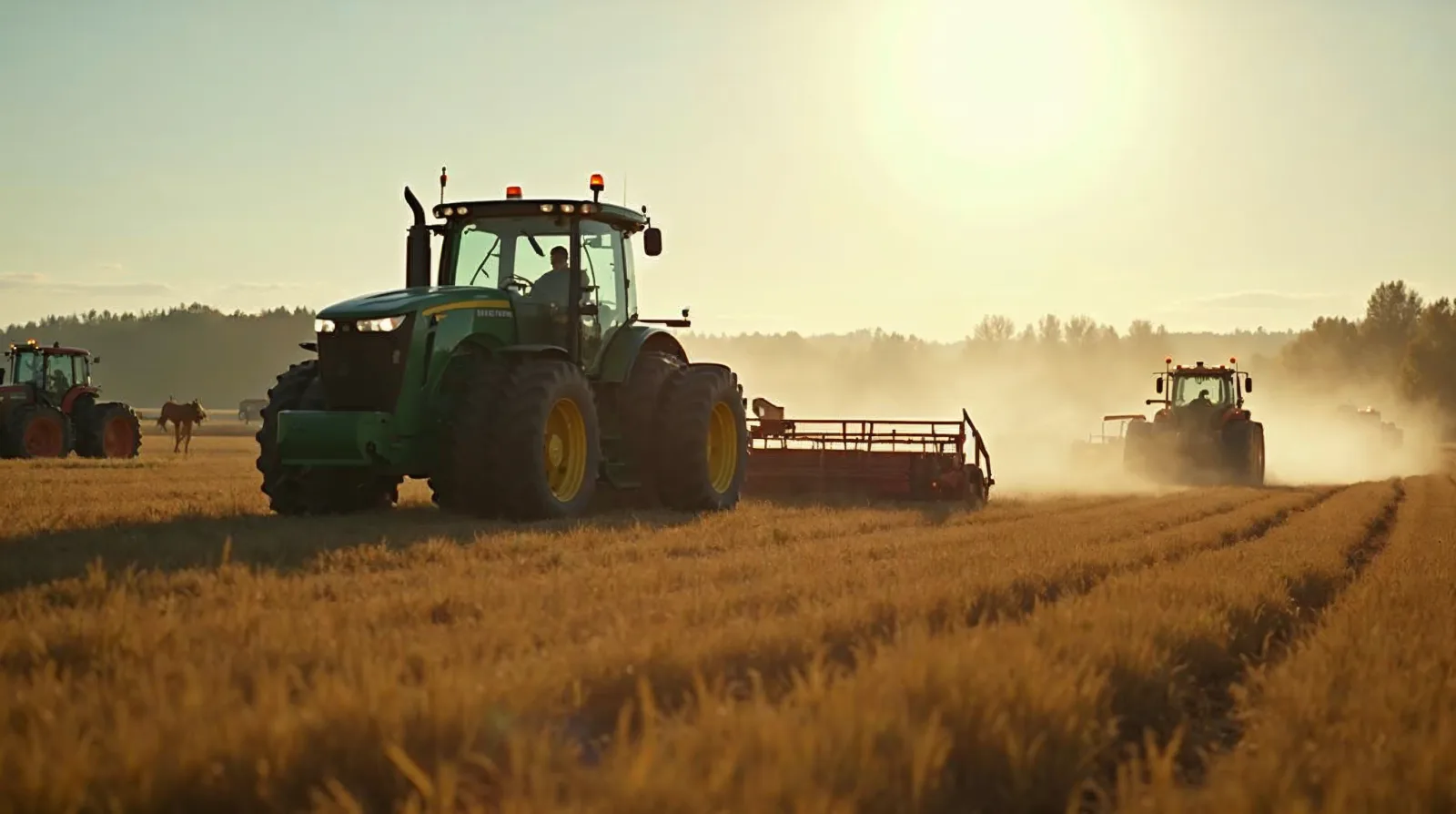
A modern farm runs on connectivity in ways that would have looked absurd twenty years ago. Tractors push prescriptions and pull as-applied data over the air. Soil moisture probes, weather stations, and grain bin sensors report back from places no one walks every day. Calving cameras stream from the barn to the kitchen, security cameras keep an eye on the fuel tank and the shop, and the laptop in the office is pulling in market data, GPS corrections, and equipment software updates at the same time. None of that works without a network that actually reaches the whole operation, and on most farms the network does not. The house has Wi-Fi. The shop has a weak signal that drops at the bench. The grain leg, the calving lot, and the back forty are dead zones. This guide walks through what it actually takes to build reliable rural internet across a working farm: getting a real backhaul, choosing between mesh and point-to-point wireless, placing outdoor access points that survive winter, handling LTE failover, and using Starlink or fixed wireless where wired service does not reach.
Before any conversation about mesh nodes or access points, the only question that matters is what the connection coming into the farm actually looks like. That connection is the backhaul, and every device on the farm shares it. A spectacular indoor mesh built on top of a slow, unreliable backhaul will still feel slow and unreliable. A modest setup on top of a strong backhaul will feel quick.
Backhaul on rural ground usually comes from one of four sources, and most farms end up with some combination of them. The first is wired service from a local cooperative or telephone company - fiber where it has reached, DSL where it has not. Fiber is the gold standard when it is available: low latency, symmetric speeds, and the kind of stability the rest of the network depends on. DSL is whatever it is. Speeds vary by line distance to the cabinet, and on a long rural loop the numbers can be disappointing even when the connection is "active."
The second is fixed wireless from a local wireless internet service provider, often called a WISP. A small dish on the roof of the house or shop aims at a tower miles away, and the link runs over licensed or unlicensed radio. Fixed wireless quality depends almost entirely on line of sight to the tower and on how loaded the tower is. A good WISP link is excellent. A marginal one will drop in rain, fog, or summer heat when the network is full.
The third is satellite, and in the last few years that has effectively meant low Earth orbit service such as Starlink. The change from the old geostationary satellite internet is large. Latency is workable for video calls and remote desktops, speeds are reasonable, and the dish can be self-installed almost anywhere with a clear view of the sky. The trade-off is monthly cost, occasional brief dropouts, and the need to keep the dish clear of heavy snow and ice in winter.
The fourth is cellular, either as a primary connection or as failover. Where 4G LTE or 5G coverage is strong, a fixed wireless router with a good outdoor antenna can deliver respectable speeds without any wired service at all. Where coverage is weak, cellular is still useful as a backup that takes over when the main link goes down.
The practical recommendation for any farm running real operations technology is to have at least two backhauls and to plan for the day the main one fails. A wired fiber connection with cellular failover is one common pattern. A Starlink as primary with cellular failover is another. The cost of a second link is small against the cost of losing camera coverage during calving, GPS corrections during planting, or telematics during harvest.
The other piece of backhaul planning is honest sizing. Marketing speeds on rural plans rarely tell a farm what it needs. What matters is sustained throughput at the busiest moment, and on a farm the busiest moment is not always when someone is on the couch streaming a movie.
Run through what is on the network during a working day. Tractor data syncs can move large files at the end of a shift. A four-camera security system streaming and recording at decent resolution can easily pull several megabits per second around the clock. Cloud backups of farm records or photo libraries can saturate an upload link for hours. Equipment updates from the dealer portal can be gigabytes. Add in normal household use - streaming, video calls, the kids' homework, the spouse's remote work - and the picture sharpens fast.
Upload speed matters more on a farm than most rural service plans admit. Cameras, sensors, and equipment all send data out, and an asymmetric connection with a fast download and a tiny upload will choke on the kind of traffic farms actually generate. When comparing plans, the upload number is often the one that decides whether the network feels responsive.
Latency matters too, especially for any kind of remote control, video call, or live camera viewing. A connection with high download speed but bad latency will frustrate anyone trying to use it interactively. Old geostationary satellite was the classic example of this; the headline speed looked fine, but the half-second round trip made anything responsive feel broken.
Even with a strong backhaul into the house, a single Wi-Fi router has no chance of covering a working farm. Wi-Fi was not designed for the distances and obstacles a farm presents, and physics does not bend for a good router. Walls, metal siding, grain bins, equipment, and especially distance all eat signal fast.
A typical home router can deliver a usable signal across a house and maybe to the front yard. Past that, the signal drops off a cliff. Steel buildings, common on farms, are nearly opaque to Wi-Fi - signal that has to pass through a metal shop wall will be a fraction of what it was on the other side. Yards full of equipment, hay bales, and stock tanks block and reflect signal in ways that turn theoretical range numbers into wishful thinking.
The answer is not a bigger router or a stronger antenna; powerful single radios mostly create one-way connections where the client device cannot answer the router even though it can hear it. The answer is multiple access points, placed where people and devices actually need coverage, all running as one network. That is what a mesh system or a properly designed multi-access-point Wi-Fi network provides, and getting it right is the heart of a working farm network.
Consumer mesh Wi-Fi systems became popular because they let homeowners drop several identical units around a house and get blanket coverage without any wiring. On a farm the same principle helps, but the limits matter more.
A mesh Wi-Fi system works by linking access points to each other wirelessly. One node connects to the internet backhaul. The other nodes talk to that first node, and to each other, over a dedicated radio link, and they all broadcast the same Wi-Fi network to client devices. A laptop or phone walking from the kitchen to the shop can stay on the same network and roam from one node to the next as the signal strength changes.
For inside a house, that works well. For inside a house and a nearby attached shop, it can work. For covering a farm yard, it starts to strain. Wireless mesh links between nodes share spectrum, and every wireless hop cuts the available throughput - a node two hops from the backhaul has noticeably less bandwidth than a node connected directly. Outdoor distances and obstacles also eat the link between mesh nodes, not just the link to the client device. Push a consumer mesh node out to the end of the driveway in a plastic enclosure and the connection back to the house is often the weak link, not the connection from that node to a phone standing next to it.
The right way to think about mesh on a farm is to use it for what it is good at - inside the house, inside the shop, inside the office - and to back it with something stronger for the long jumps between buildings.
Most farms that have good network coverage got there by running wires between buildings, not by trying to leap from building to building over Wi-Fi. A dedicated wire to each building turns every building into its own local network with its own access points, fed from the main backhaul. There is no wireless penalty for that hop.
Two kinds of wire dominate. Outdoor-rated, direct-burial Ethernet cable - usually shielded category 6 or category 6a - is the easiest option for short runs. It carries data and, with the right switches, power for access points over the same cable through power over Ethernet. Direct-burial Ethernet has practical distance limits in the range of around three hundred feet from switch to device, which covers many farmyards but not all of them.
For longer runs, outdoor-rated multimode or single-mode fiber is the answer. Fiber is not affected by lightning strikes the way copper is, which on a farm with tall steel buildings and exposed wires is a real and recurring concern. Fiber runs can stretch from one end of a yard to the other and into distant outbuildings without any of the distance limits of copper. The cost is higher, the trenching and termination are more involved, and small fiber-to-Ethernet media converters are needed at each end, but for a backbone connecting the house, the shop, the office, and a distant building, fiber is the right tool.
Whether copper or fiber, the wire goes in the ground in a buried conduit or a direct-burial cable, and the choice to do it once and do it right pays back for decades. The cost of trenching is real, but every later upgrade - faster switches, new access points, additional cameras - rides on that same wire. Most farms that have a strong network have a moment in their history when someone bit the bullet and dug a few hundred feet of trench. The networks built without that step never quite catch up.
Once a wire reaches a building, an outdoor-rated access point can flood that building and its yard with Wi-Fi coverage that no consumer mesh node will match. Outdoor access points are built for what the inside of a farm shop or the eave of a barn throws at them: temperature swings, humidity, dust, ultraviolet light, and the occasional bird or wasp. They use higher-quality radios, more capable antennas, and weatherproof housings that an indoor mesh unit cannot match.
Two kinds of antenna patterns cover most farm needs. Omnidirectional access points throw signal in a roughly circular pattern around them and are the right choice for the middle of a yard or the side of a building that faces the area to be covered. Sector or directional access points concentrate their signal in a defined arc and reach much farther in that arc, at the cost of coverage behind them. A directional unit mounted on the gable end of the shop, pointed across the yard toward the calving lot, can reach hundreds of feet with usable coverage. An omnidirectional unit on the same building would cover the area immediately around it but not reach nearly as far in any one direction.
Several manufacturers have built solid reputations in this space. Ubiquiti's outdoor access points are popular on farms because they are reasonably priced, well documented, and supported by software that runs on a small local controller or a spare computer. Cambium, MikroTik, and Aruba are other names that show up in well-built farm networks. The brand matters less than the build. The questions to ask of any outdoor unit are how it handles low temperatures, what its real-world range is to a phone or laptop in open ground, whether it can be powered through the Ethernet cable, and how the network as a whole is managed.
Placement makes or breaks outdoor access points. Mounting them as high as the building allows, with a clear line of sight to the area that needs coverage, almost always gives better real-world results than mounting them where they look tidy. The corner of a shop roof, the gable of a barn, the top of a yard light pole, the highest practical point of a grain leg - those are the places signal goes farther. Signal that has to push through equipment, hay, or buildings is signal that does not arrive.
Trenching is not always realistic. The far calving lot is half a mile from the house. The leased ground with the irrigation pump is on the next section. The grain bins are across a county road. For these long jumps, point-to-point wireless is the tool farms reach for when burying wire is impractical.
A point-to-point link is exactly what it sounds like: two narrow-beam radios aimed at each other across open space, each with a clear line of sight to the other. With good equipment and clear line of sight, a point-to-point link can carry hundreds of megabits per second over distances measured in miles. The link is not Wi-Fi for client devices; it is a wireless wire that connects one network to another. On one end is a building or pole with internet service. On the other end is a building or pole that needs internet service, with its own access points feeding the local area.
The requirements are unforgiving. Line of sight has to be real, not "almost" - a stand of trees that grows up over the years, a new grain bin that goes up between the two endpoints, even tall standing corn on the right line at the right time of year can degrade or kill a link. The radios have to be mounted firmly enough that wind does not move them out of alignment, and at heights that get them above the obstacles. Power has to be reliable at both ends, and lightning protection is not optional in open country.
Equipment from Ubiquiti, Cambium, and MikroTik covers the practical range of farm needs at prices that look like a bargain against the cost of trenching a mile of fiber. A typical farm point-to-point setup, including dishes, mounts, and lightning protection, runs into a few hundred to a couple thousand dollars per link. Compared to the cost of leaving a building without network access, that is a small line item.
For really long links or where line of sight runs through corn that will grow head-high in summer, mounting the radios on a tall structure - a grain leg, a windmill tower, a dedicated mast - makes the difference between a link that works year-round and a link that drops every August. Planning for the worst-case foliage and crop height saves a lot of frustration later.
Even with a good primary backhaul, the farm internet will go down at the wrong time. Lightning hits a transformer. A backhoe somewhere up the road cuts a fiber. The WISP tower goes off the air for an afternoon. Starlink decides to update itself. When the main link drops and a calving camera goes dark or a tractor cannot reach the dealer portal to get a software fix, the cost of the outage is real.
LTE backhaul, used as a failover, is the way most farms handle this. A router with a cellular modem and a SIM card from a carrier with decent local coverage sits behind the main connection. When the primary link is healthy, the LTE radio is idle and costs nothing in data. When the primary link goes down, the router automatically swaps over to LTE and keeps the network running - perhaps at slower speeds, but running. As soon as the primary comes back, the router swaps back.
Several brands make these "failover" routers, and they range from small consumer units up to industrial-grade gear that mounts in a network rack. The right unit depends on the size of the farm and the complexity of the network, but the principle is the same. Pair it with a good outdoor cellular antenna mounted high on the building, because the difference between a marginal indoor signal and a strong rooftop signal is often the difference between LTE that is useful in an outage and LTE that is no help.
There is a second mode of LTE worth thinking about. On farms where wired service simply is not available and Starlink is not a fit, a fixed wireless cellular router with an outdoor antenna can be the primary backhaul. With strong tower coverage in the area, that arrangement can deliver speeds adequate for nearly everything a farm does. Data plans for this use - often called "fixed wireless internet" rather than a regular phone hotspot plan - have improved substantially, with reasonable monthly costs and large or unlimited data caps.
Starlink has shifted what is possible for rural farms in a way that earlier satellite services did not. The dish self-aligns to the satellite constellation, the user-facing setup is genuinely close to plug and play, and speeds and latency are reasonable for normal work and for video calls.
For farms beyond the reach of fiber and out of range of a usable WISP or cellular signal, Starlink is often the best choice for a primary backhaul. It is not without trade-offs. The monthly cost is real. The dish needs an unobstructed view of a wide patch of sky, and trees, buildings, or even a poorly chosen roof line can produce dropouts that the diagnostics app will faithfully document. Heavy snow accumulation on the dish can disrupt service until the dish's own heater clears it or a broom does the job. Service can be congested at certain times in certain regions.
Mounting matters. The dish should go where it has the clearest sky view, which on a farm is often a roof peak, a pole in an open area, or a mast above the shop. The cable from the dish into the building should be routed where it will not be chewed by livestock, run over by equipment, or pinched by ice. Power for the dish should come from a circuit that is protected and, ideally, on the same uninterruptible power supply that keeps the rest of the network gear running during a brief outage.
For most farms that go this route, the pattern that works is Starlink as the primary backhaul, an LTE failover router behind it, and a wired network from the indoor Starlink router into a switch that feeds the rest of the farm. With that setup, a Starlink outage is annoying but not fatal: the network swings over to LTE, keeps the cameras and the office and the equipment portals alive, and swings back when the dish reconnects.
The wires and access points have to plug into something, and on a real farm network that something is a small set of network equipment in a closet, a corner of the office, or a dedicated cabinet. The pieces are not glamorous, but the choice of equipment is the difference between a network that runs for years and one that needs a power cycle every other week.
The router is the brain of the network. It handles the connection to the backhaul, hands out addresses to devices, runs the firewall that keeps the network safe from the outside, and on better units handles things like failover between backhauls and segmentation between the household network and the farm operations network. Consumer routers can do this for a small farm. Larger or more complex operations are well served by a small business router from a brand built for managed networks - Ubiquiti, MikroTik, Peplink, or Cisco's small business line are common choices.
The switch fans the wired connection out to access points, cameras, computers, and any other wired devices. For a farm network with outdoor access points and cameras, a managed switch that supplies power over Ethernet is the practical choice; it pushes power down the same cable as data, eliminating the need for a wall-wart power supply at every device. The switch should be sized with growth in mind, because more devices come every year, not fewer.
Uninterruptible power on the network closet is a cheap safety net. A small UPS keeping the router, the switch, and the modem alive through a brief outage means the network does not have to fully reboot and rejoin every time a thunderstorm flickers the lights. That alone keeps cameras recording through the kinds of brief blackouts that happen all summer.
Finally, the network needs a place to live. A small wall-mounted rack or even a tidy shelf in the office with proper ventilation keeps everything in one place where the wires are labeled, the equipment is reachable, and the next person who has to fix something - which on a farm might be the same person on a different day - has half a chance of figuring out what is connected to what.
A farm network connects equipment, cameras, sensors, household devices, and a fair number of things the farm did not choose to install but came on as part of newer equipment. Some of those devices are well secured. Many are not. A good farm network plan separates the network into pieces so that a compromised security camera, a strange smart appliance, or a guest's phone cannot reach the office computer where the financial records live.
The practical way to do this is with separate Wi-Fi networks and separate virtual networks running on the same physical equipment. A business-grade router and managed switches can support multiple isolated networks at no extra hardware cost. One network is for the household and trusted devices. One is for cameras and sensors. One is for guests. One can be for equipment that the farm does not fully trust but needs to keep online. Traffic between those networks is blocked by default, and exceptions are made only where they are needed.
Strong passwords on the Wi-Fi networks, changing the default password on every device, and keeping the router and access points updated are unglamorous but real. A farm camera with default credentials is the kind of device that turns up on lists of compromised hardware that someone else is using for unrelated and unwelcome purposes, and the farm bears the consequences in slow internet, blocked traffic, and worse.
A farm network that actually works does not look like any one product. It looks like a stack of decent choices made in order. A real backhaul, sized for what the farm does, with a failover. A small set of well-chosen network equipment in a clean, powered, ventilated space. Wires - copper for the short runs, fiber for the long ones - between the main buildings. Outdoor access points in the places that need coverage, mounted high and aimed sensibly. A point-to-point wireless link for the building that wire cannot practically reach. Mesh Wi-Fi inside the house and the office, fed by that wired backbone. A separate network for cameras and sensors so that the rest of the operation stays clean. And an honest second link, almost always cellular, ready to take over the moment the primary goes down.
None of those pieces are exotic. None require a specialist who lives on the farm. What they require is the willingness to treat the network as a piece of farm infrastructure, the same way the farm treats the well, the electrical service, and the road in and out. Built that way, the network stops being the thing that fails at the worst possible moment and becomes one more piece of the operation that quietly does its job - reaching the calving barn at midnight, the grain bin in February, the tractor in the corner of the section, and the office computer when the day's work has to be written down.
Outdoor-rated, direct-burial shielded category 6 or 6a Ethernet has a practical limit of around 300 feet from switch to device, which covers many farmyards but not all. It carries data and, with power over Ethernet switches, power for access points over the same cable. For longer runs between buildings, outdoor fiber is the answer, since it also shrugs off the lightning strikes that damage copper.
A typical farm point-to-point setup, including dishes, mounts, and lightning protection, runs from a few hundred to a couple thousand dollars per link. With clear line of sight, the two narrow-beam radios can carry hundreds of megabits per second over distances measured in miles. That is a bargain against the cost of trenching a mile of fiber to reach a distant building.
Yes. The practical recommendation for any farm running operations technology is at least two backhauls. A common pattern is fiber or Starlink as primary with an LTE failover router behind it. When the main link drops, the router automatically swaps to cellular and keeps cameras, GPS corrections, and equipment portals alive, then swaps back. The idle LTE radio costs nothing in data until it is needed.
Wi-Fi was never designed for farm distances and obstacles. Steel buildings are nearly opaque to it, and yards full of equipment, hay, and stock tanks block and reflect the signal. A stronger single radio often just creates a one-way link the client device cannot answer. The fix is multiple access points, wired between buildings and mounted high, all broadcasting one network.
Join our list for practical guides on farm tech, precision agriculture, and tools that work.