
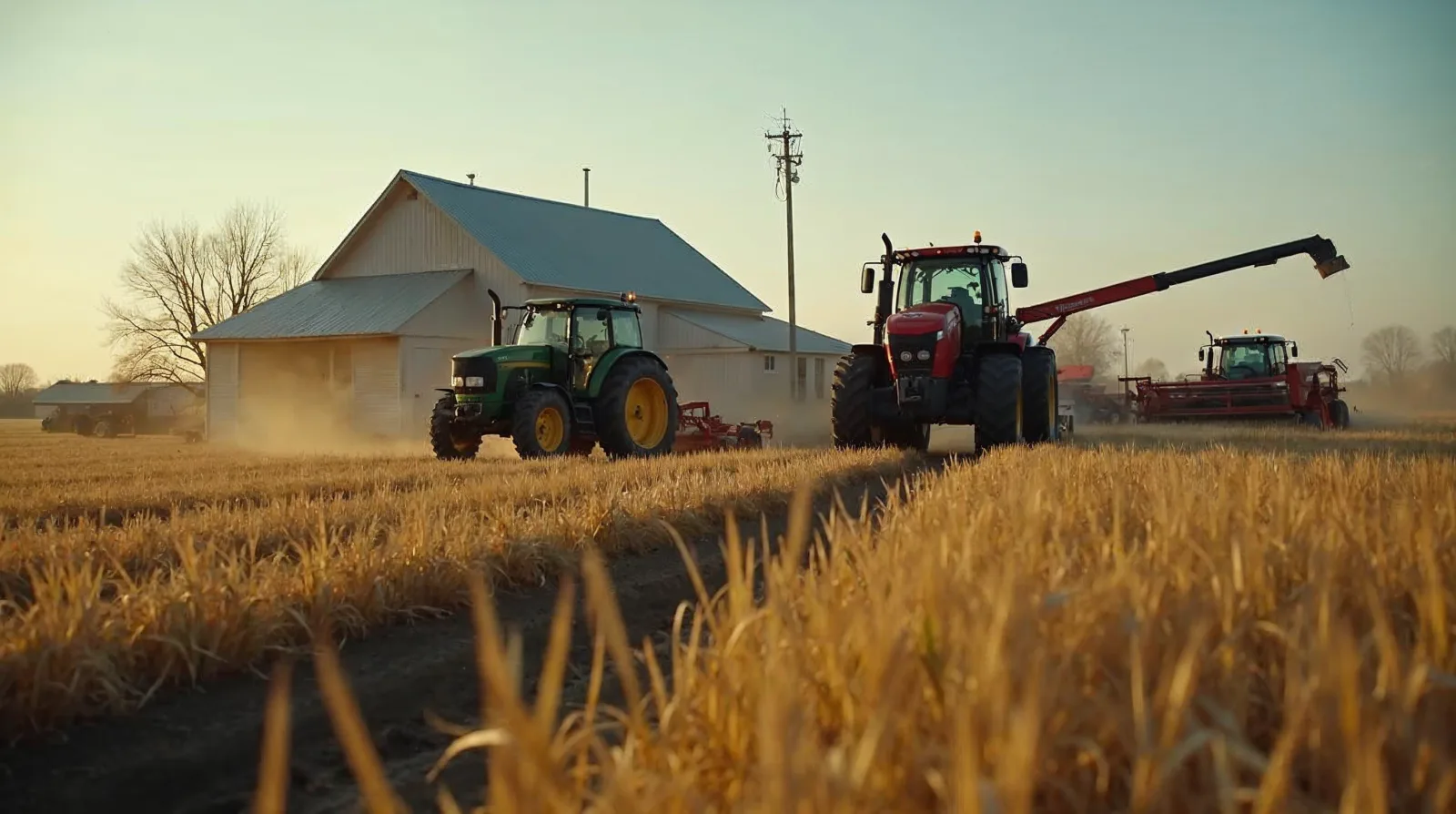
For years the connectivity problem on a working farm had one answer: live with it. DSL that topped out at 3 Mbps if the line was dry, a cellular signal that came and went with the wind, or a fixed-wireless tower you could see from the yard but somehow never got a clean shot at. You planned around it. You uploaded files in town. You ran the office on a hotspot and prayed.
That era is mostly over. Low-earth-orbit (LEO) satellite internet - Starlink being the name everyone knows - has turned rural connectivity from a daily fight into a line item. The question is no longer "does it work." It works. The real questions are which tier you need, where you mount the dish, and what you should not trust it to do. Get those three right and you stop thinking about your internet. Get them wrong and you pay for bandwidth you never use, or you mount a dish under a grain leg and wonder why the connection drops every time the wind shifts.
This is a buying-and-placement guide, not a sales pitch. The most useful way to think about satellite internet on a farm is to stop treating it as a single purchase. You have three different connectivity jobs - the house, the shop, and the field edge - and each one has a different right answer.
Walk through a modern operation and count the things that now assume a network connection. Autosteer pulling correction data. Yield monitors writing to the cloud. Telematics phoning maintenance codes back to the dealer. Soil moisture probes. Grain bin sensors. Drone imagery that runs 2 to 5 GB per field. Cameras on the shop and the cattle lot. Market apps, parts ordering, payroll, and the accountant who wants everything in a shared folder.
Ten years ago most of that was optional or local. Now precision ag, equipment telematics, and the early moves toward autonomy all quietly assume you have bandwidth. When you do not, the technology you already paid for runs at half value. The planter writes prescriptions you cannot upload. The diagnostic data sits on the machine instead of reaching the dealer before the part is needed. The connection stopped being a convenience and became infrastructure, the same way three-phase power or a good well is infrastructure.
That is why this matters enough to plan instead of just clicking "buy" on the first dish you see.
If your only experience with satellite internet was the older geostationary services, set that memory aside. Those satellites sit roughly 22,000 miles up. The signal has to travel that distance and back, which is why the old systems felt like talking on a delay - fine for downloading a file overnight, miserable for anything live.
LEO satellites orbit far lower, in the rough neighborhood of 300 to 350 miles up. The signal round-trip is short enough that the lag feels like a normal connection. Video calls work. Remote diagnostics work. Autosteer correction backhaul works. The tradeoff is that a low satellite covers a small patch of ground and moves fast, so it takes a large constellation of them, constantly handing your dish off from one to the next, to give continuous service. That constellation has now scaled well past 10,000 satellites in orbit, and that is the simple reason coverage and obstruction performance keep improving year over year rather than holding at a fixed spec. The system you buy this season is generally a little better than the one your neighbor bought last season, in the same spot.
Plain version: "LEO" is the reason satellite internet finally feels usable on a farm. That is the whole point of the acronym.
Here is the framework that keeps you from overbuying or underbuying.
The house. This is the simplest win and the one most farms do first. The standard Residential plan replaces dial-up, tired DSL, or a marginal fixed-wireless link for the farmhouse and light shop use. It handles streaming, video calls, kids' schoolwork, and the home office without drama. For most families this is the only decision they ever need to make.
The shop or a remote site. A shop that orders parts, runs cameras, handles payroll, or supports anyone trading grain on a live market cannot afford an afternoon of downtime. Residential service often covers a shop fine, and the portable Mini unit is a strong fit for a detached shop, a grain setup, or a building away from the main yard. But if downtime there actually costs you money, that is the spot to consider the Business tier - not for bragging rights, but because it buys you priority access when the network is busy.
The field edge. This is the job nobody planned for ten years ago and the one growing fastest. Equipment telematics, autosteer correction backhaul, soil and tank sensors, and drone uploads all live out where there is no building and no wired option. This is where a cab-mounted terminal or a portable unit feeding your sensors comes in, and it is a genuinely separate decision from the house dish. More on that below, because the field edge is where people get confused.
The mistake is buying one connection and stretching it across all three jobs. A single residential dish on the house will not feed a tractor three miles away in the back forty. Match the tier to the job.
Prices and plan names move around - sometimes more than once a year - and they vary by region and by how congested your local cell of the network is. Treat every number below as a range to confirm on the official site before you order, not gospel. These reflect US pricing in early-to-mid 2026.
Residential. Roughly $50 to $120 a month depending on your area, with a standard dish kit around $349 one-time. It includes about 1 TB of priority data per month. This is the farmhouse-and-light-shop answer, and for a lot of operations it is the only tier they ever touch.
Business, sometimes called Fixed Site. Roughly $140 to $500 a month depending on the priority-data tier, with high-performance hardware in the rough range of $1,999 to $2,500 one-time. You get 2 to 6 TB of priority data, higher upload speeds (think 8 to 25 Mbps versus the residential 5 to 20), priority access when the local network is congested, and a tougher, wide-field-of-view dish built to sit outside and take weather. This is the tier for an operation that genuinely depends on the connection and loses money when it drops.
Starlink Mini. Around $249 for the hardware, about 4.5 pounds, with WiFi 6 built in, real-world speeds in the 50 to 150 Mbps range, and a power draw of only 40 to 75 watts. That low power draw is the headline for farm use - it will run off a modest solar-and-battery setup or a vehicle inverter, which makes it the natural choice for a remote shop, a grain setup, or a temporary field-edge deployment you move around.
A word on priority data. Each plan sells a bucket of priority data - the 1 TB on residential, the 2 to 6 TB on business. Once you burn through that bucket in a billing cycle, your traffic can be deprioritized when the network is busy, meaning it still works but may slow down during peak local hours. For most farms this never comes up. For an operation pushing multi-gigabyte drone imagery off several fields a week, it can, and that is exactly the case where the larger Business data tiers earn their cost.
Real speeds, honestly. Based on FCC broadband speed data that showed up across industry coverage, more than half of Starlink users in several Plains states were clearing the 100/20 Mbps broadband threshold in the back half of 2025, with Nebraska leading the group at just over 58 percent. The takeaway for a farm in open-sky country: you will very likely clear the broadband bar. Performance does not degrade by magic - it degrades from obstructions blocking your view of the sky and from network congestion at peak times. Those are the two real variables, and one of them is entirely in your control.
The field edge got a lot more attention when John Deere announced a partnership with SpaceX and shipped JDLink Boost - a ruggedized, dust-proof Starlink terminal that mounts on the cab, paired with a 4G LTE JDLink modem. It feeds the John Deere Operations Center for real-time data, remote diagnostics, self-repair guidance, and the groundwork for autonomy. The limited US and Brazil rollout started in the second half of 2024. Introductory pricing was seen around $1,499 CAD for the hardware, install kit, and a three-year JDLink Boost license bundled together; US pricing varies by dealer, so confirm locally before you budget for it.
If you run green and you are already living in the Operations Center, the integrated terminal is convenient and built to take cab vibration and dust. That is the real selling point - it is engineered for the machine, not bolted on.
But be clear-eyed about two things. First, it is a separate purchase from your house and shop dish. It does not replace them and they do not replace it. Second, it is locked to the Deere ecosystem. A standalone Starlink unit - a Business dish at a fixed remote site, or a Mini you move with the equipment - can feed third-party telematics, sensors, and your own drone-upload workflow without committing you to one brand's platform. Neither path is wrong. The integrated route trades flexibility for convenience; the standalone route trades convenience for flexibility. Know which one you are buying.
And this is not a one-brand bet. CNH, the parent of Case IH and New Holland, is pursuing its own LEO connectivity path alongside Deere. The whole industry is moving toward satellite-backed field connectivity, which is a good reason to treat it as a long-term shift worth planning around rather than a single vendor's gimmick.
Every honest source repeats the same thing, so here it is plainly: a LEO dish needs a clear view of the sky. The satellites are constantly moving and your dish is constantly handing off between them, so anything that blocks a large slice of the sky - a tree line, a grain leg, a pole barn, a hill - will cost you consistency. Partial obstruction usually still gets you service, but it shows up as the connection dropping at odd moments, which is maddening precisely because it is intermittent.
The fix is not complicated, but it is the step people skip. Use the obstruction-check tool in the Starlink app before you commit to a mounting spot - it shows you exactly what the dish can and cannot see from that location. Then mount the dish properly: a pole mount that clears the roofline, or a roof-edge mount with a genuine sightline, not a dish sitting on a picnic table next to the shop because that was easy. On a farm the usual culprits are grain-leg shadows and a tree row on the north side that nobody thinks of as an obstruction until the dish does.
Spend twenty minutes with the app and a good mount and you will avoid the single most common complaint people have with these systems. It is the cheapest insurance in this entire guide.
Satellite is not automatically the cheapest option - it is the option that works where the others do not reach. Run the comparison honestly.
If you already have a cellular signal strong enough to run a good unlimited hotspot plan, and your data needs are modest, cellular fixed wireless can be cheaper month to month, and you should price it first. If a local wireless internet service provider (a WISP) has a tower with a clean shot to your place, that is often the lowest-cost path of all where it is available. Satellite earns its monthly cost when those options either do not reach you, cannot deliver the upload speeds you need for drone or telematics work, or fall over the moment a storm rolls through the only cell tower in range.
The illustrative case people point to is an Iowa operation of around 2,000 acres that was stuck on 3 Mbps DSL - a connection that simply could not handle 2-to-5-gigabyte-per-field drone uploads. They moved to Starlink Business and saw 80 to 180 Mbps down and 10 to 20 up. Treat that as one farm's story, not a benchmark you should expect to match - your speeds depend on your sky, your location, and your tier. But it captures the real pattern: satellite is the answer when the bottleneck is genuinely the pipe, and the work you are trying to do does not fit through what you have.
Do the arithmetic on your own operation. Add up what an afternoon of downtime actually costs you during planting or harvest, weigh it against the monthly difference between tiers, and let that decide whether you are a Residential farm or a Business farm. Most are Residential. Some are not, and they know who they are.
A few honest limits to keep in mind:
That last point is the argument for a backup. Keeping a cellular hotspot on hand, even on a cheap plan, means that when the dish is down during a critical window you are not dead in the water. On a farm, redundancy on the thing that now runs your office, your equipment data, and your cameras is not paranoia - it is the same logic as keeping a spare belt in the shop.
Before you order anything, run through this:
Work that list and you will buy the right tier the first time, mount it where it actually performs, and stop thinking about your internet - which is the whole point.
Connectivity is moving fast on the farm right now, from satellite tiers to telematics to the early edges of autonomy, and the right answer this season may shift by next. If you want plain, practical breakdowns like this one as the technology changes, get on the Manley Farms email list - we send working-farmer guides on ag tech, no hype and no corporate filler. It is the easiest way to stay ahead of the next decision before you have to make it.
Pricing runs by tier. Residential is roughly $50 to $120 a month with a dish kit around $349 and about 1 TB of priority data. Business runs $140 to $500 a month with hardware in the $1,999 to $2,500 range and 2 to 6 TB of priority data. The portable Mini is around $249. Confirm the current figures on the official site before ordering, since names and prices shift more than once a year.
The Starlink Mini draws only 40 to 75 watts and weighs about 4.5 pounds, with WiFi 6 built in and real-world speeds in the 50 to 150 Mbps range. That low draw is the headline for farm use, because it will run off a modest solar-and-battery setup or a vehicle inverter. It is the natural pick for a remote shop, a grain setup, or a field-edge deployment you move around.
Yes, when the pipe is the bottleneck. Drone imagery runs 2 to 5 GB per field, which chokes an old DSL line. One 2,000-acre Iowa operation stuck on 3 Mbps DSL moved to Starlink Business and saw 80 to 180 Mbps down and 10 to 20 up. Treat that as one farm's result, not a promise, since your speeds depend on your sky, location, and tier.
LEO satellites orbit low, roughly 300 to 350 miles up, and move fast, so your dish is constantly handing off from one to the next. Anything blocking a large slice of sky, like a tree line or a grain leg, causes the connection to drop at odd moments. Run the obstruction-check tool in the Starlink app from your intended spot before you mount, then use a pole or roof-edge mount with a real sightline.
Join our list for practical guides on farm tech, precision agriculture, and tools that work.